What is a Long Hair Filter, and what can it show you?
A long hair filter is an AI hairstyle preview that applies a selected long-hair reference to your portrait. It lets you compare length, layers, bangs, texture, and volume on your own face before you grow your hair, buy extensions, or discuss a change with a stylist.
See long hair on your face, not on a model
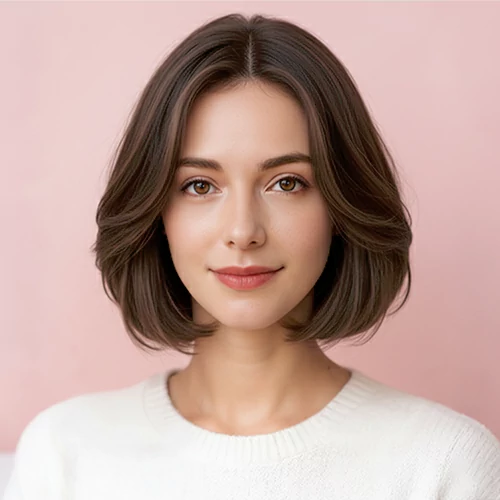
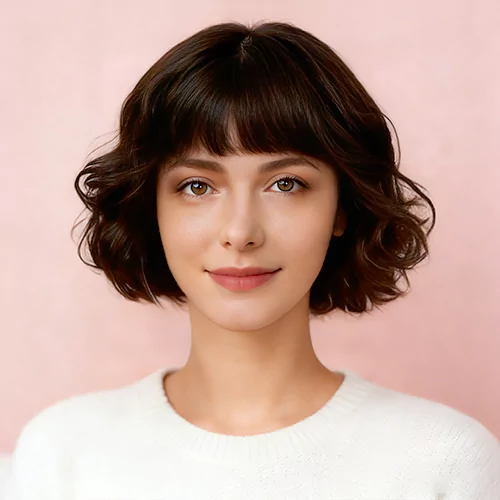
Choose a women's or men's long hairstyle reference, then apply it to your portrait. Start with the front result to judge how the length, bangs, texture, and volume frame your face before spending months growing it out.
Try long layers, waves, straight lengths, curls, or bangs.
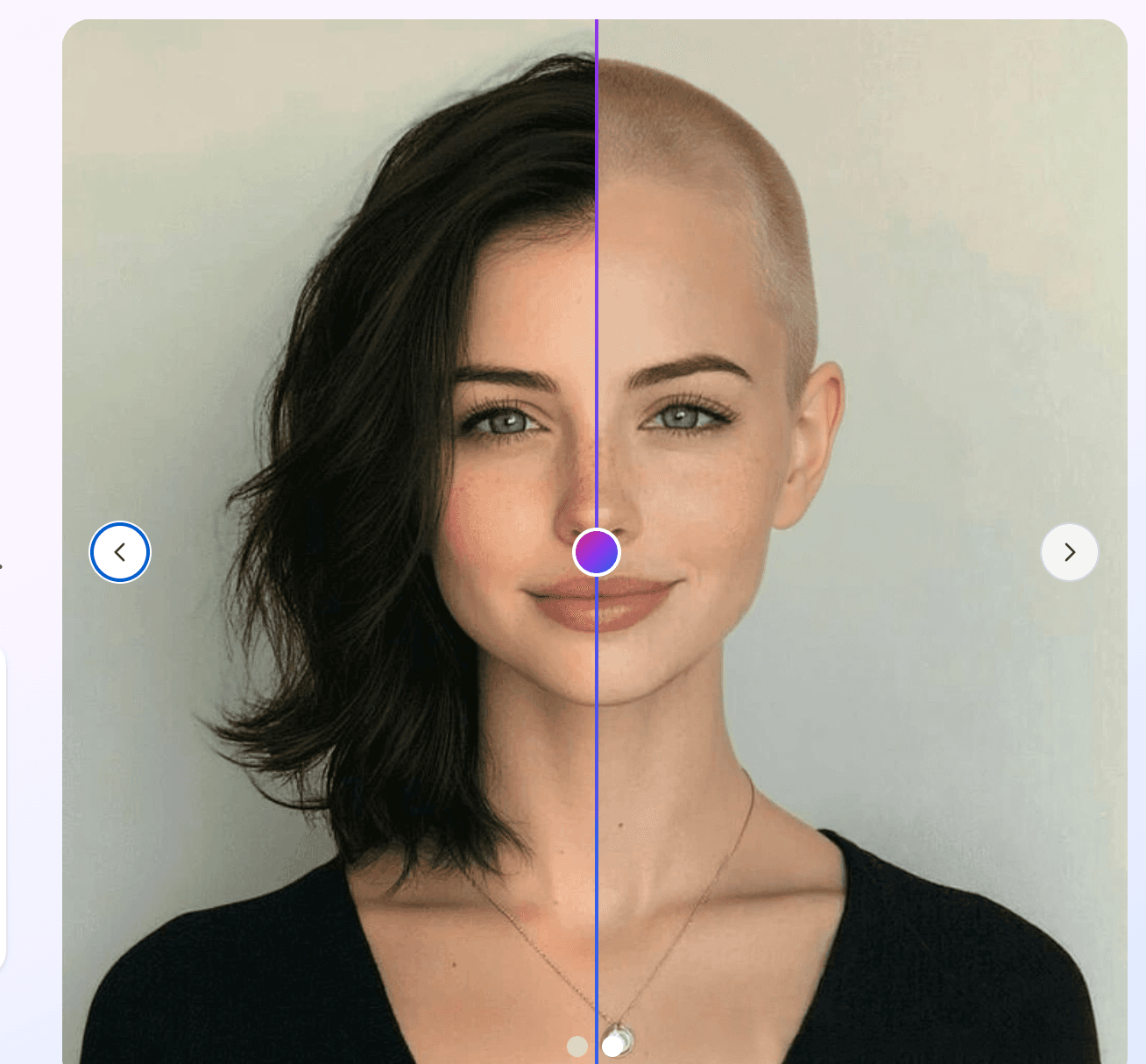
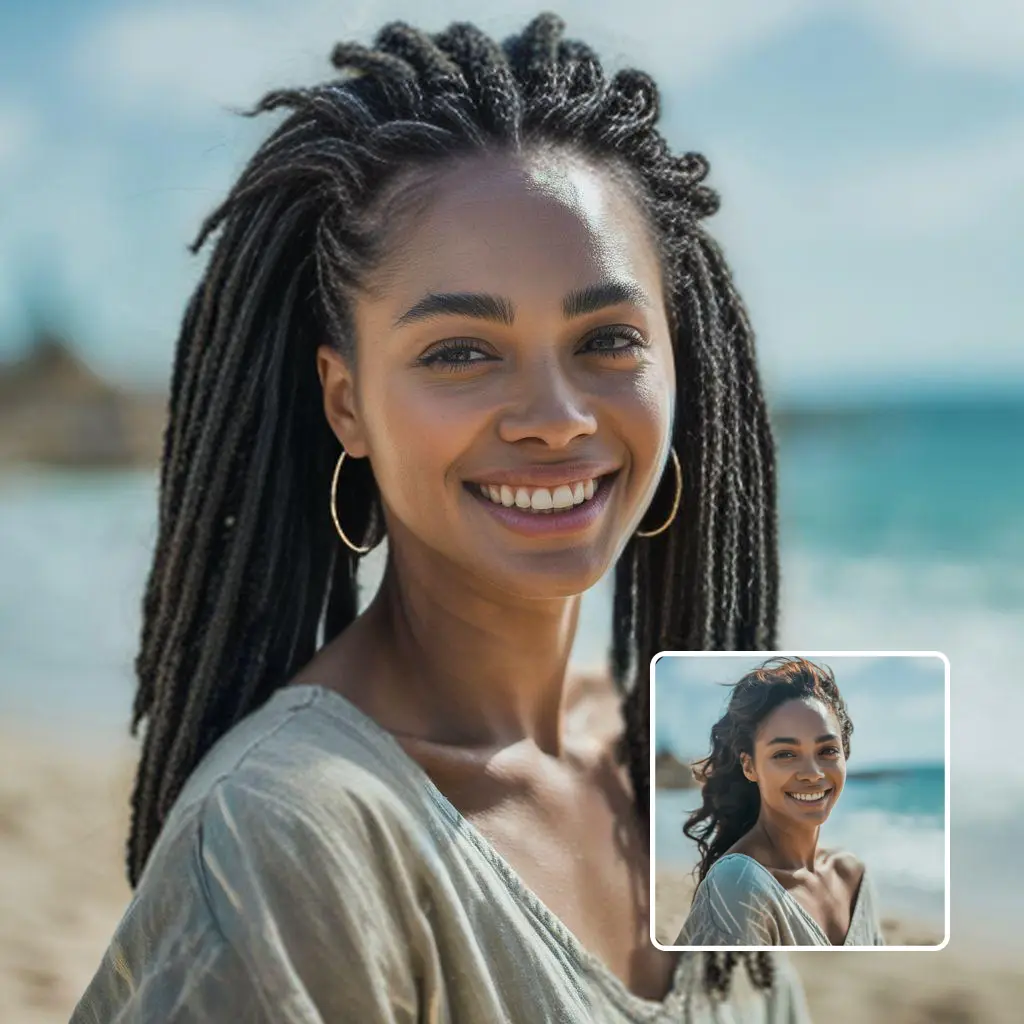
Compare the generated front view against your original photo.
Download the result you want to keep or show a stylist.
Inspect the full shape from more than one angle
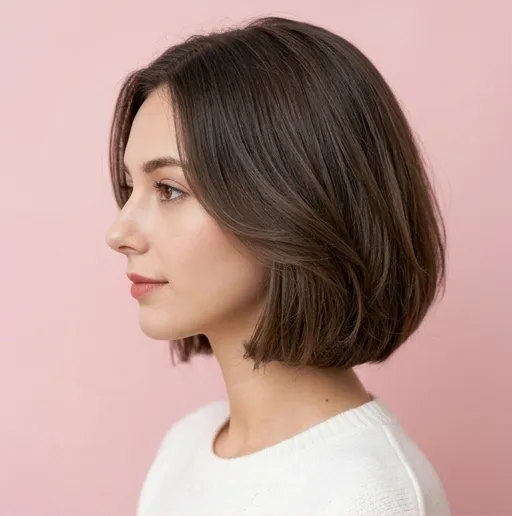
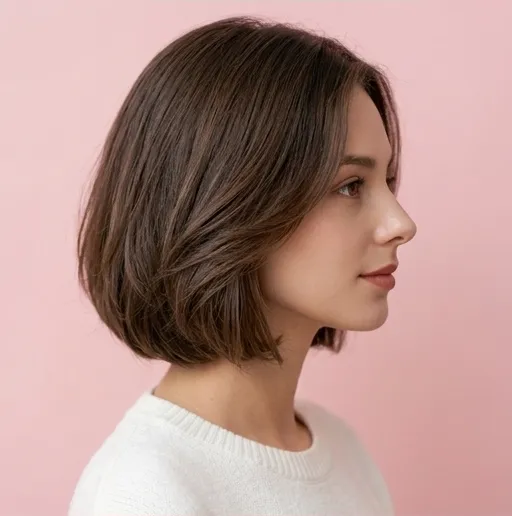
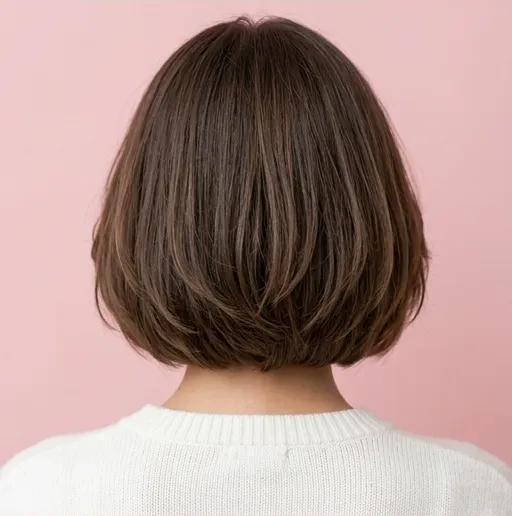
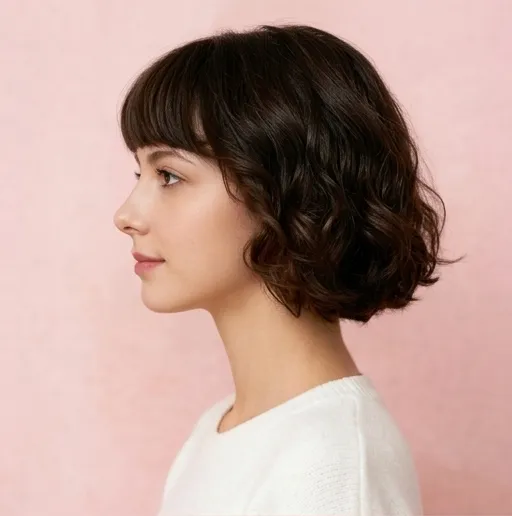
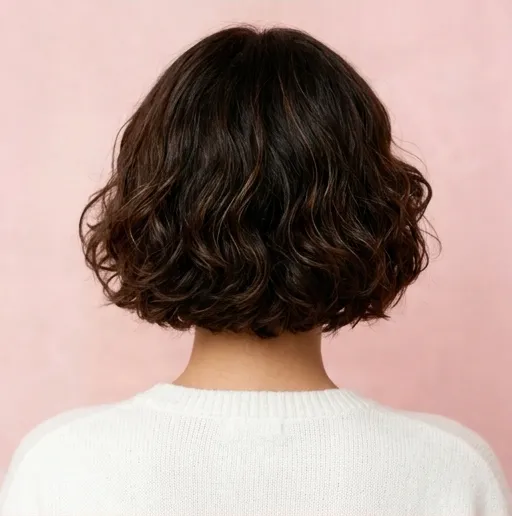
A single front image cannot show how long hair falls behind your shoulders or how the layers move from the side. After reviewing the front, generate optional left, right, and back views for a more detailed look at the full silhouette.
Check the length and layers from the left and right sides.
Review the back shape before buying extensions or booking a service.
Use a multi-angle result as a clearer stylist reference.
Turn the preview into a practical hair decision
Use the front and multi-angle views together to decide whether a style is worth growing toward, recreating with extensions, or discussing at a salon. The result is a personal visual reference, not just a generic model photo.
Compare the silhouette before committing to a length or layer pattern.
Save a style that communicates the target more clearly than a model image.
Bring the downloaded front and angle views to your consultation.
Long hair filter use cases
Long Hair Filter Use Cases
Use the filter when you are deciding whether longer hair suits your face shape, whether extensions are worth it, or which long hairstyle gives enough movement without hiding your features.
Before growing long hair
Use the filter when you want to know whether long hair is worth the time. It can preview face-framing layers, length around the shoulders or chest, and fuller ends before you spend months growing it out.
Before trying extensions
Extensions can change length, density, color, and styling maintenance. A long hair filter result gives you a personal reference before you choose clip-ins, tape-ins, or a salon consultation.
Before cutting layers
Long hair is not one shape. Test long 90s layers, curtain bangs, soft waves, or a smoother blowout direction before you ask for a layered haircut.
For stylist communication
Save the long hair filter preview that looks closest to your goal and discuss length, layers, bangs, density, color, and daily styling effort with your stylist.
How to Use Long Hair Filter
Create a Long Hair Filter preview in three steps: upload a clear portrait, choose a long hairstyle reference, then generate and download the result.
01
Upload a clear portrait
Use a front-facing photo where your face, hairline, shoulders, and current hair shape are easy to see.
02
Choose a long hair reference
Pick a Long Hair Filter style for long layers, waves, straight hair, curls, bangs, or a fuller length.
03
Generate and compare
Review the front preview first, add side and back views if needed, then download the image you want to keep.
Compare long hair tools
Long Hair Filter vs. general hairstyle filters
General hairstyle filters are useful for broad inspiration. Long Hair Filter is designed for a more detailed long-hair decision: compare the front first, then inspect optional side and back views so you can judge the full length, shape, and silhouette before growing your hair, buying extensions, or speaking with a stylist.
Decision point
Our Long Hair Filter
General hairstyle filters
Long-hair focus
Curated women's and men's references for long layers, straight lengths, waves, curls, bangs, and fuller ends.
A broader selection across short, medium, long, color, and other haircut categories.
Reference control
Use multi-angle hairstyle references or describe a custom long-hair direction.
Controls vary by tool; some use presets, while others accept text instructions.
Review sequence
Compare the original with the front result first, then add left, right, and back views only when needed for a more complete review than a single front image.
Output format and the availability of additional angles vary by tool.
Credit control
Use 10 credits for the front preview, then decide whether the optional multi-angle sheet is worth another 10.
Generation price and the outputs included in each run vary by tool.
Best use
Planning for hair growth, extensions, long layers, and a downloadable stylist reference.
Fast inspiration and casual hairstyle experimentation.
Realistic long hair previews
Get a more useful Long Hair Filter preview from one clear photo
Your portrait defines the person and the selected hairstyle defines the target shape. The generation asks the model to preserve identity, pose, lighting, clothing, and background while changing the hair. Results are AI previews, so compare details before using one as a salon reference.
Use a clean portrait
A clear front-facing image with even lighting helps the AI keep facial details stable and blend new hair length around the head, neck, and shoulders.
Keep the face visible
Avoid hats, sunglasses, heavy filters, extreme shadows, and hair covering too much of the face. Visible landmarks help preserve your identity.
Review a few variations
Generative edits can vary. Compare more than one long hair filter preview when you are choosing length, bangs, waves, or a color direction.
FAQ
Long Hair Filter FAQ
What is a long hair filter?
A long hair filter is an AI image editing tool that uses your portrait to preview longer hair, long layers, waves, curtain bangs, or extension-like length before you make a real change.
How do I use the long hair filter?
Upload a clear portrait, keep the selected long hairstyle reference or choose another style, then generate. When the result is ready, you can compare before and after and download the image.
Can the long hair filter show me with extensions?
Yes. You can use the long hair filter as an extensions preview by choosing long layers or writing a custom prompt for longer, fuller hair.
Does the long hair filter work for men?
Yes. Switch to male styles or use custom mode to describe shoulder-length flow, longer waves, curtains, or another long hairstyle direction.
Will the AI keep my face the same?
The prompt asks the model to preserve your face, pose, lighting, clothing, and background while changing the hair. Results can still vary because this is generative AI.
Can I download the long hair filter result?
Yes. After a generation succeeds, use the Download button to save the result through the site download endpoint.
How many credits does the long hair filter use?
The front hairstyle preview uses 10 credits. After you approve it, the optional left, right, and back view sheet uses another 10 credits.
How would I look with long hair?
Upload a clear portrait and choose a long hairstyle reference to preview long layers, waves, bangs, or extra length on your own face before growing it out or buying extensions.
Is long hair suitable for my face shape?
A personal preview can help you compare face-framing layers, bangs, volume, and length. Use several variations as planning references, because the result is not a professional face-shape consultation.