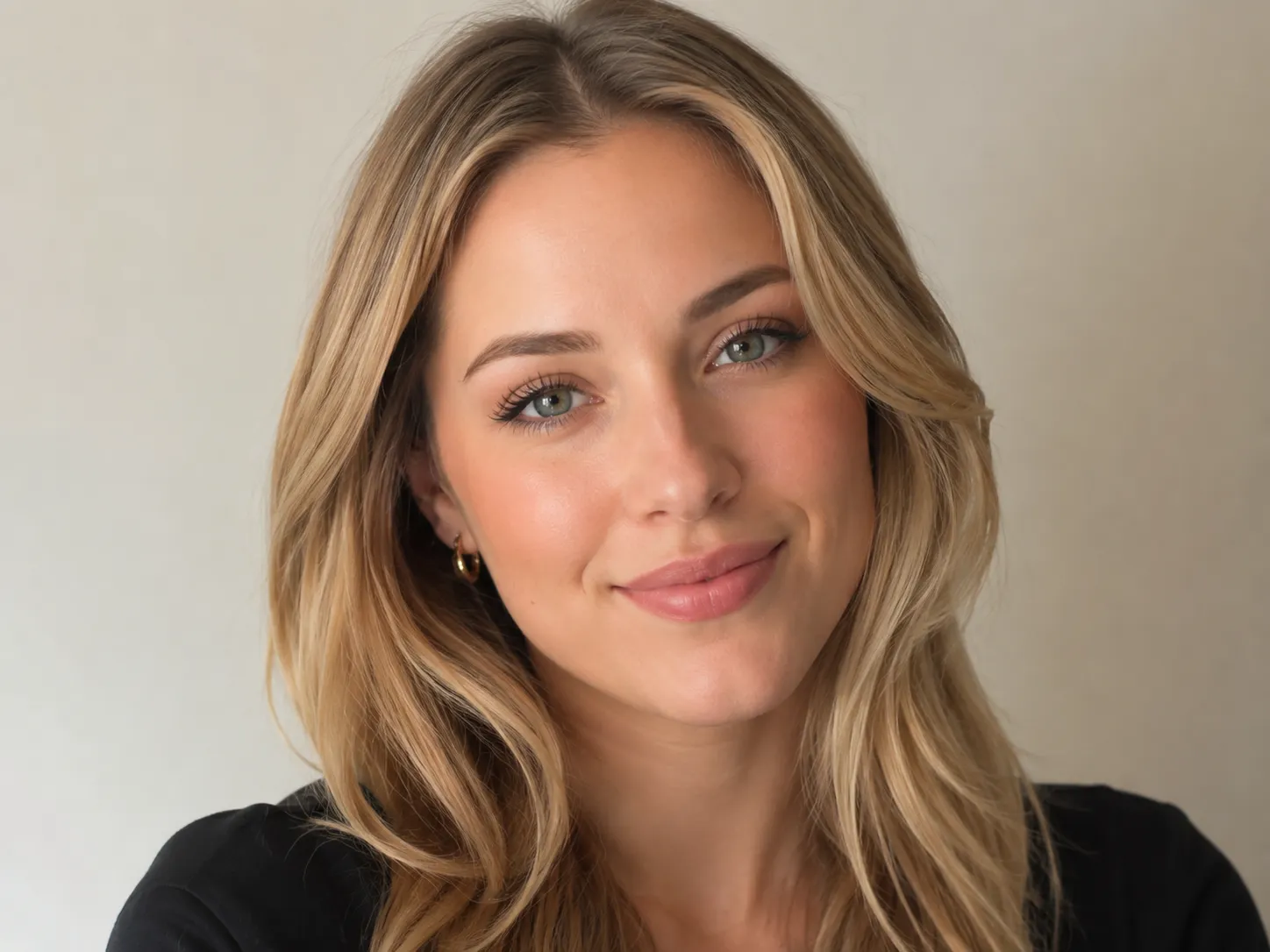
AI Hairstyle Changer

AI Hairstyle Changer - Try On Any Hairstyle Instantly

Try it now

Upload one clear portrait, choose haircut or hair color references, and use the AI hairstyle changer to compare realistic previews before a salon appointment.

1. Upload portrait

Max 8MB

Keep your face and current hairline visible so the AI hairstyle changer can preserve your identity, lighting, and expression while changing only the hairstyle.

Your AI hairstyle changer preview

Your AI hairstyle changer result will appear here.

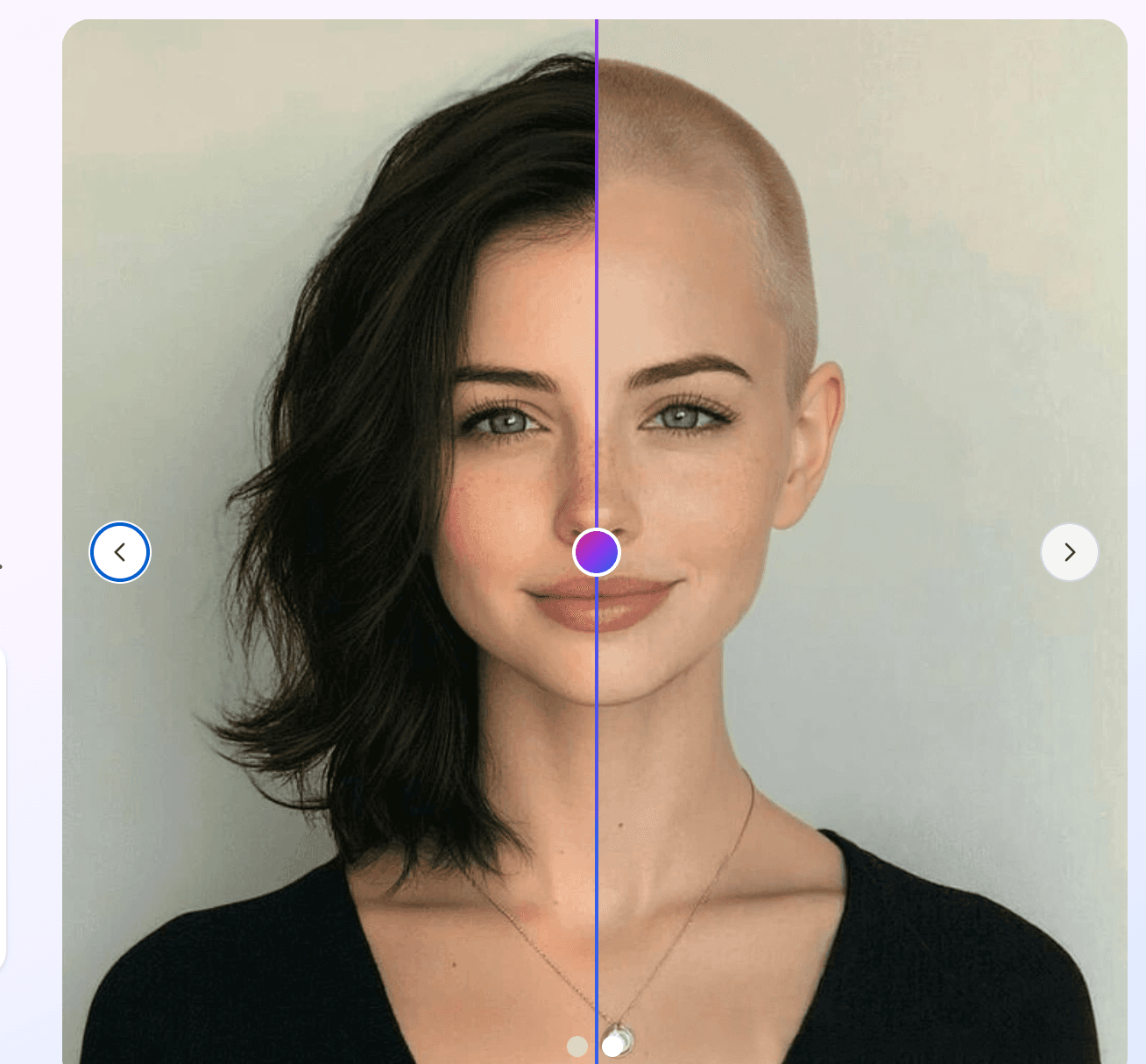
Before hairstyle previewBefore
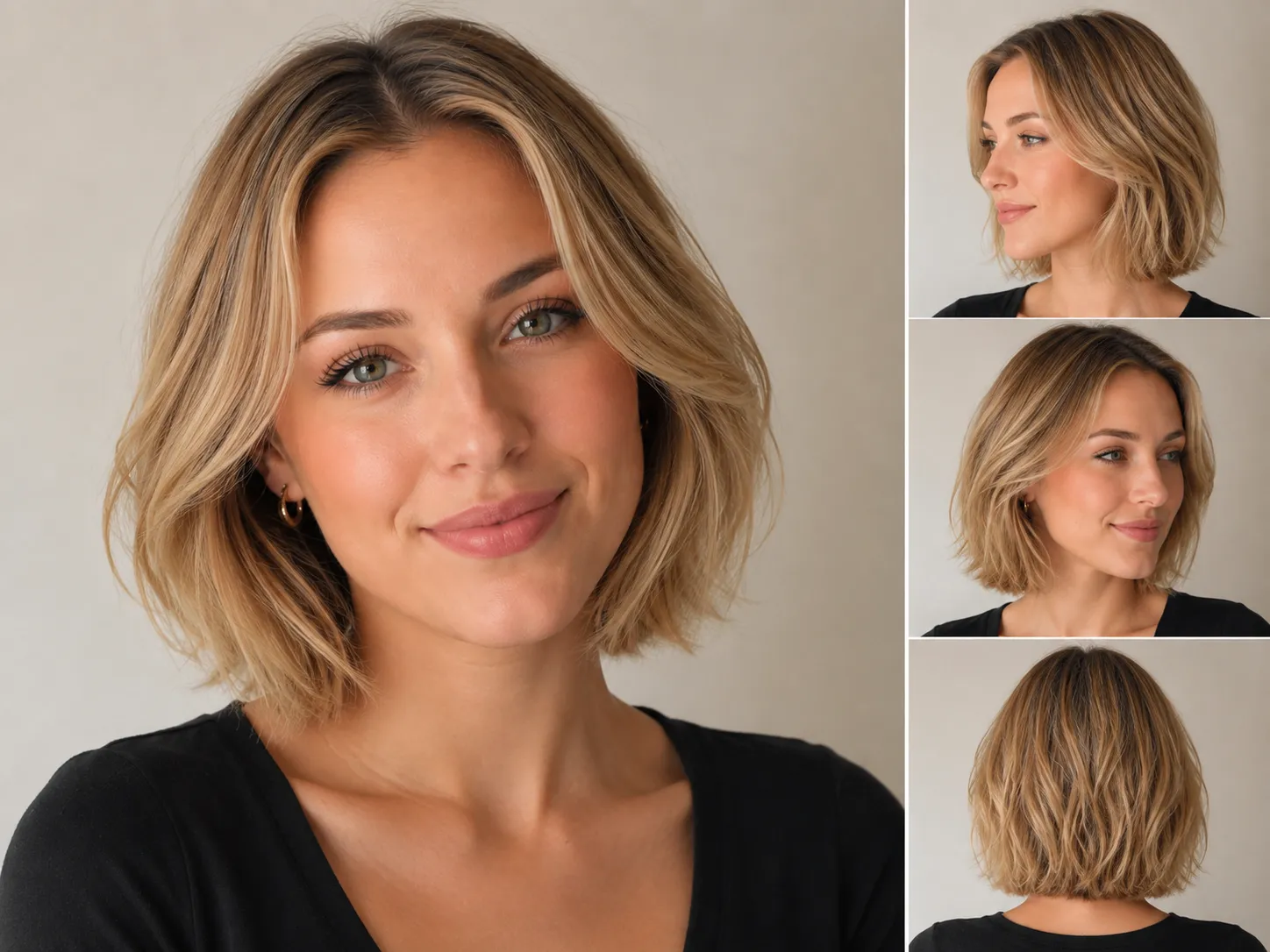
After hairstyle previewAfter
Choose hairstyles below, then generate AI hairstyle changer previews.

Mode

Hair color

Choose the final hair color

AI recommended

2. Choose AI hairstyle changer references

Choose AI hairstyle changer styles to preview

Selected 1/10

AI Hairstyle Changer guide

Use an AI hairstyle changer before you cut, dye, or restyle your hair.

Most hairstyle reference photos show someone else face shape, hair density, and styling routine. This AI hairstyle changer gives you previews on your own portrait, so you can compare bangs, layers, short cuts, barber fades, curls, and hair colors with the same face and lighting.

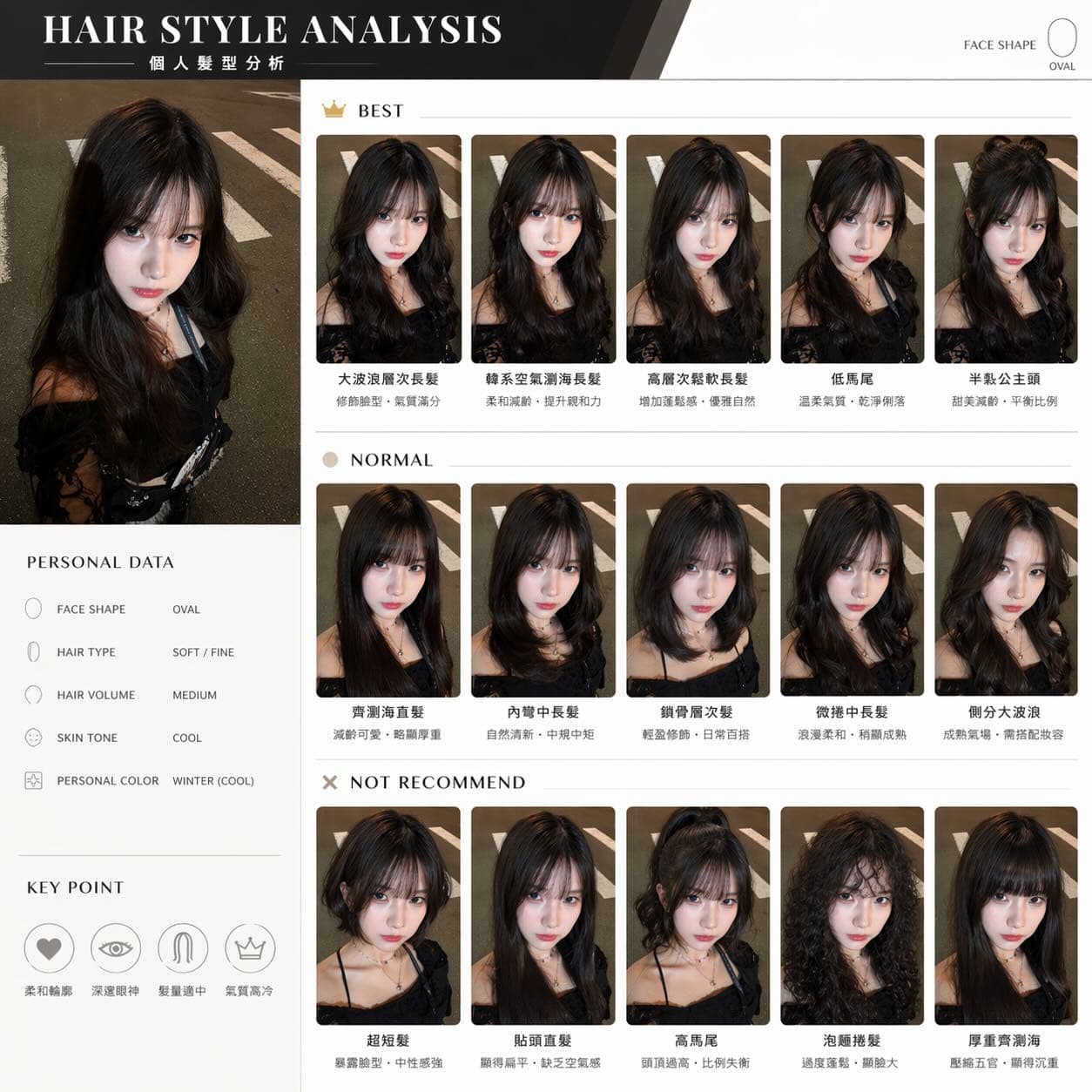
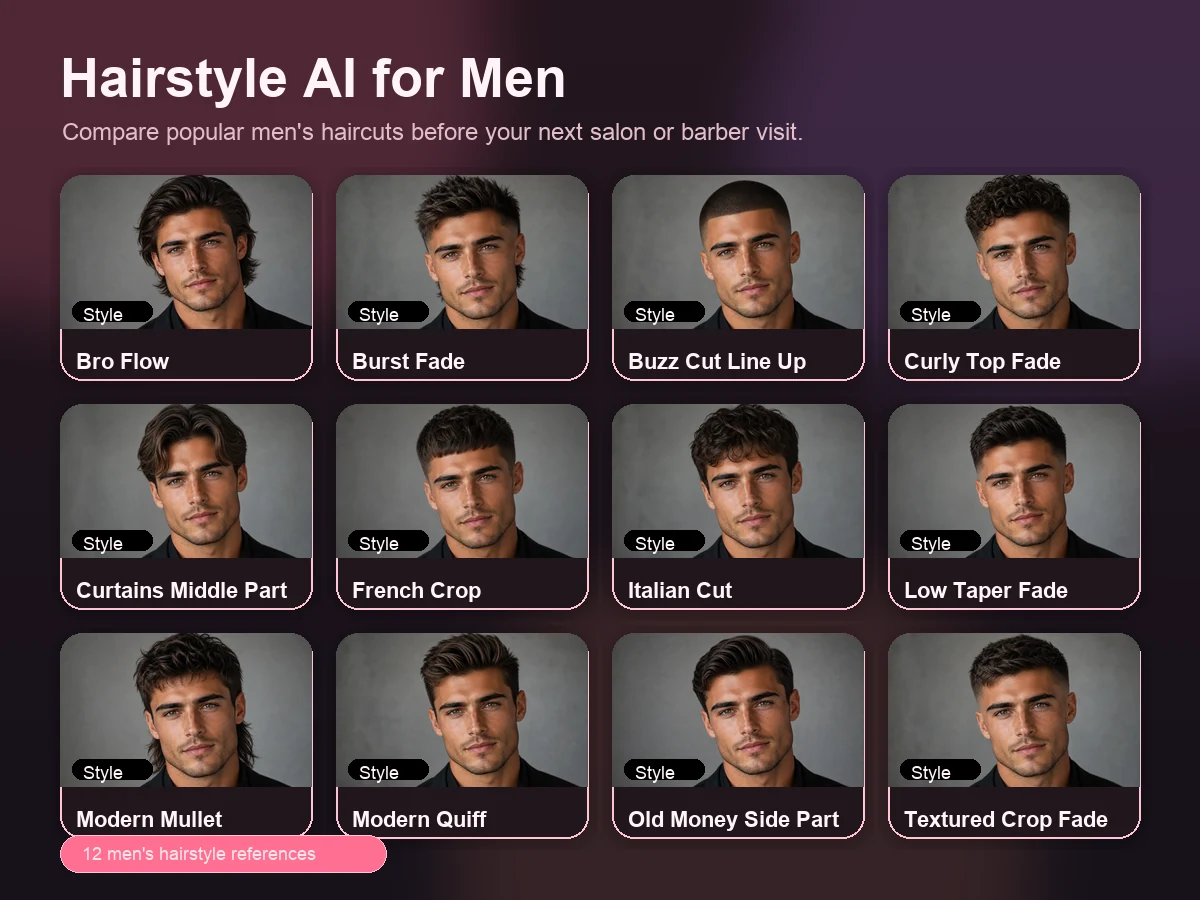
men hairstyle ai reference grid

Try an AI hairstyle changer from a real reference, not a vague filter

A strong AI hairstyle changer should keep your identity intact while changing the hair shape, length, color direction, and texture. This workflow uses your uploaded portrait as the person and the selected card as the hairstyle reference, so every AI hairstyle changer preview has a clear visual target.

  • Upload your own portrait so the AI hairstyle changer edits your face, not a model photo.
  • Choose references like bobs, pixies, bangs, fades, quiffs, crops, curls, or custom ideas.
  • Generate several AI hairstyle changer previews and compare them before choosing a direction.
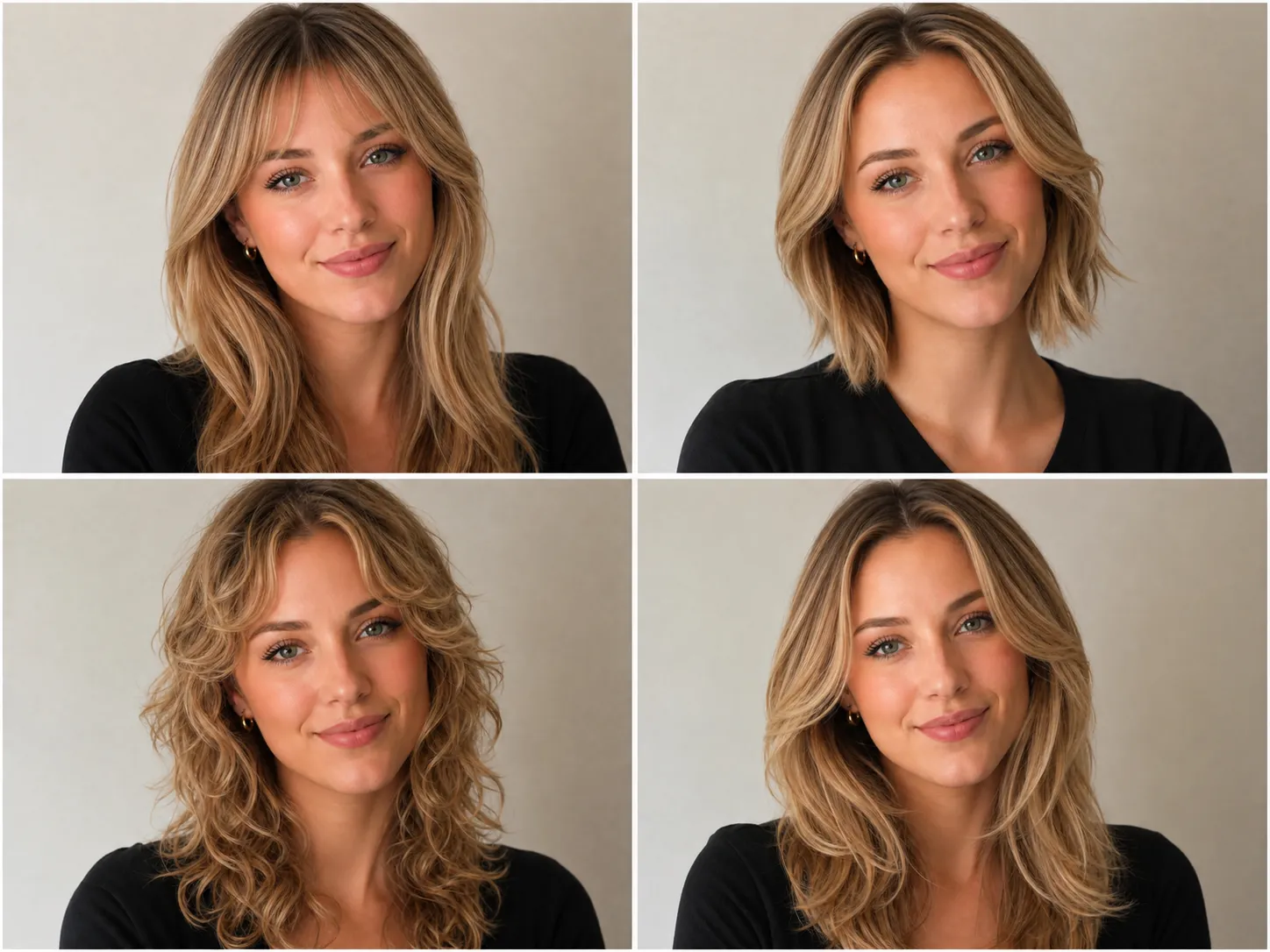
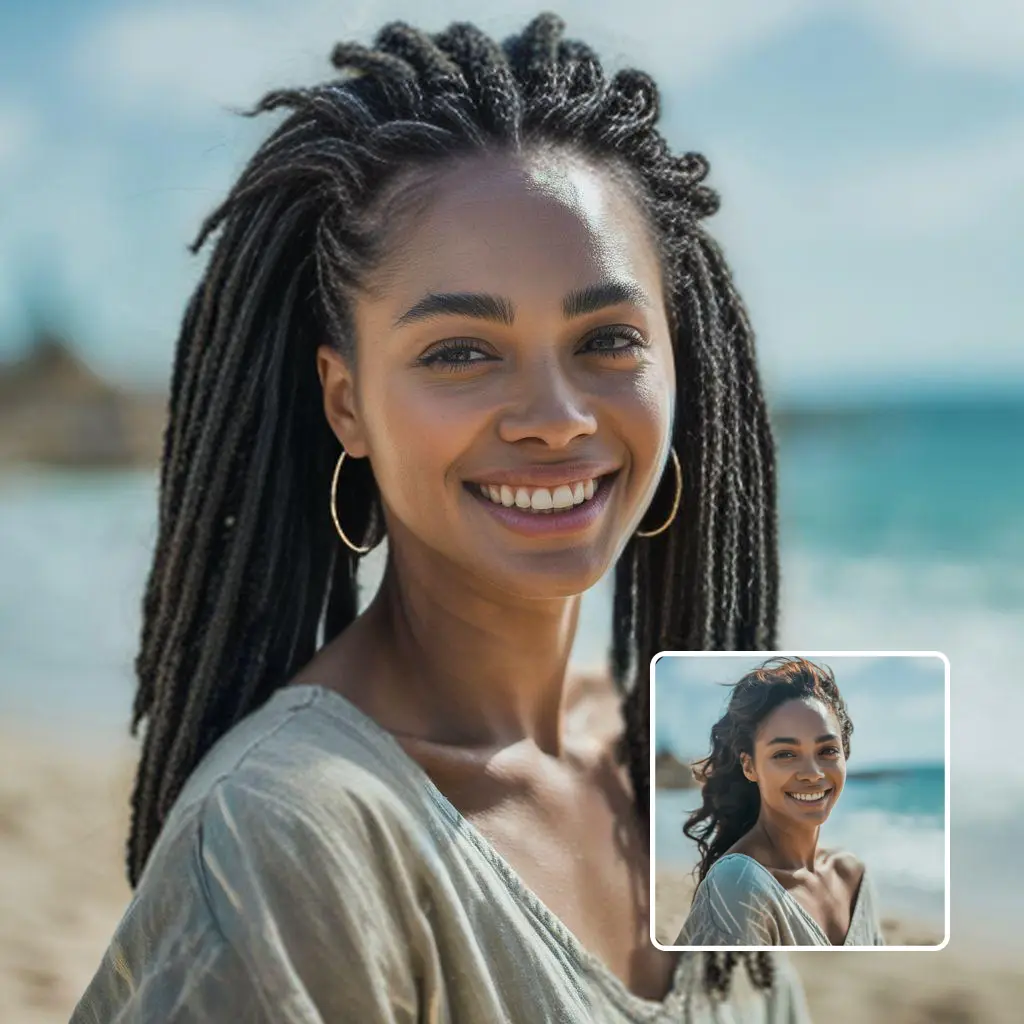
realistic hairstyle result example

Make better haircut decisions before you cut

Reference photos can be misleading because they show someone else face shape, hair density, and styling routine. An AI hairstyle changer preview on your own portrait gives you a more personal starting point before you book a salon or barber appointment.

  • Use the AI hairstyle changer to preview short hair, long layers, bangs, curls, or a cleaner work look.
  • Test hair color ideas such as copper, brunette, blonde, black, silver, pink, or highlights.
  • Download the best AI hairstyle changer result and use it as a visual brief for your stylist.
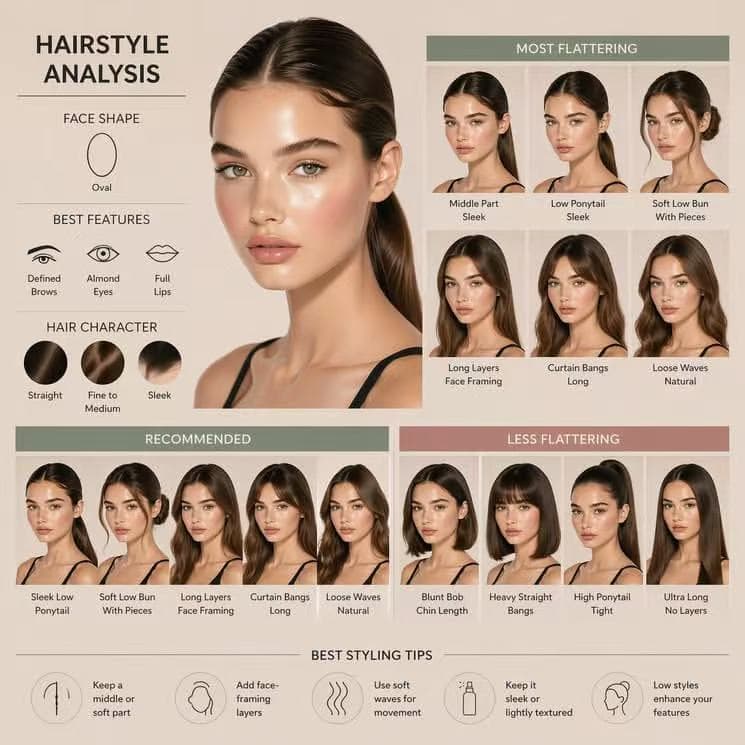
multiple AI hairstyle previews from selected hairstyle cards

Why this AI hairstyle changer is built for comparison

The AI hairstyle changer workflow is designed around side-by-side decision making. Each selected card becomes one generation, so you can spend credits only on the hairstyles you actually want to test and review the results together.

  • Each selected hairstyle creates a separate AI hairstyle changer preview job.
  • The before and after view helps you inspect haircut, bangs, length, and color changes clearly.
  • Failed AI hairstyle changer generations use the existing refund path for image jobs.

AI hairstyle changer use cases

What you can test with an AI hairstyle changer before a salon visit

Use the AI hairstyle changer when a haircut decision has real cost: cutting length, adding bangs, bleaching hair, changing color, or choosing a style that may need daily heat styling.

Before a major haircut change

Use an AI hairstyle changer when you are comparing a short bob, pixie cut, long layers, bangs, wolf cut, or sharper barber style. A realistic preview makes the change feel less abstract before hair is removed.

Before changing hair color

The AI hairstyle changer can test color direction from a reference image or custom request. Try copper, ash blonde, dark brunette, caramel highlights, balayage, silver, or a softer natural shade while keeping your face and lighting consistent.

For salon or barber communication

An AI hairstyle changer preview is not a guarantee, but it is a useful visual brief. Save the result that looks closest to your goal and discuss length, layers, fringe, fade height, color maintenance, and styling effort.

For comparing several looks

One hairstyle can look good in isolation and still lose against another option. Multi-select AI hairstyle changer generation lets you compare several previews from the same uploaded portrait, which is more useful than unrelated model photos.

secure AI hairstyle preview upload workflow

Realistic previews

Reference-based AI hairstyle changer previews are easier to judge

Your uploaded photo defines the person, and the selected card defines the haircut or hair color target. The AI hairstyle changer prompt asks the model to keep your face, clothing, lighting, and background stable, making each result easier to compare with your real appearance.

Use a clear portrait

A front-facing image with even lighting gives the AI hairstyle changer more stable facial landmarks and hair boundaries. Avoid heavy filters, sunglasses, hats, strong shadows, and hair covering too much of the face so the AI hairstyle changer can focus on the haircut.

Choose references with the right shape

The reference image should show the haircut shape clearly. Length, bangs, curls, texture, parting, and volume matter more than the model face because the AI hairstyle changer keeps your identity from the uploaded portrait.

Review results as planning drafts

Generative AI can produce small variations. Treat each AI hairstyle changer result as a visual planning draft, then compare multiple previews and keep the one that best matches your face shape, hair density, lifestyle, and styling tolerance.

FAQ

AI Hairstyle Changer FAQ

What is an AI hairstyle changer?

An AI hairstyle changer is an image editing workflow that uses your portrait to preview a different haircut, hair color, bangs, curls, fade, or styling direction before you make a real change.

How does an AI hairstyle changer work?

Upload your portrait, choose an AI hairstyle changer reference or write a custom prompt, and the tool edits the hair while keeping your face, pose, lighting, and background consistent.

Can I choose more than one hairstyle?

Yes. Select multiple hairstyle cards and the AI hairstyle changer creates one preview job for each selected reference. Each preview uses credits separately.

Can I use a custom prompt in the AI hairstyle changer?

Yes. Custom mode lets you describe the AI hairstyle changer cut, color, bangs, curls, fade, highlights, or length you want without choosing a preset card.

Will the AI keep my face the same?

The AI hairstyle changer prompt tells the model to preserve your face, expression, pose, clothing, lighting, and background while changing only the hair. Results can still vary because this is generative AI.

Is the result a guaranteed salon outcome?

No. Treat the AI hairstyle changer result as a planning preview. Real hair depends on hair type, length, density, stylist technique, products, and daily styling.