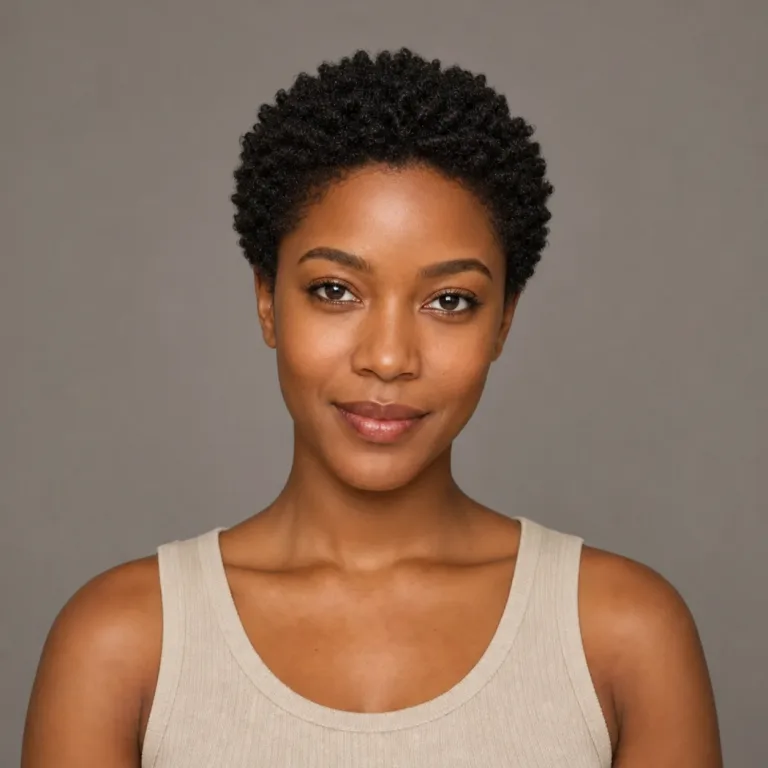
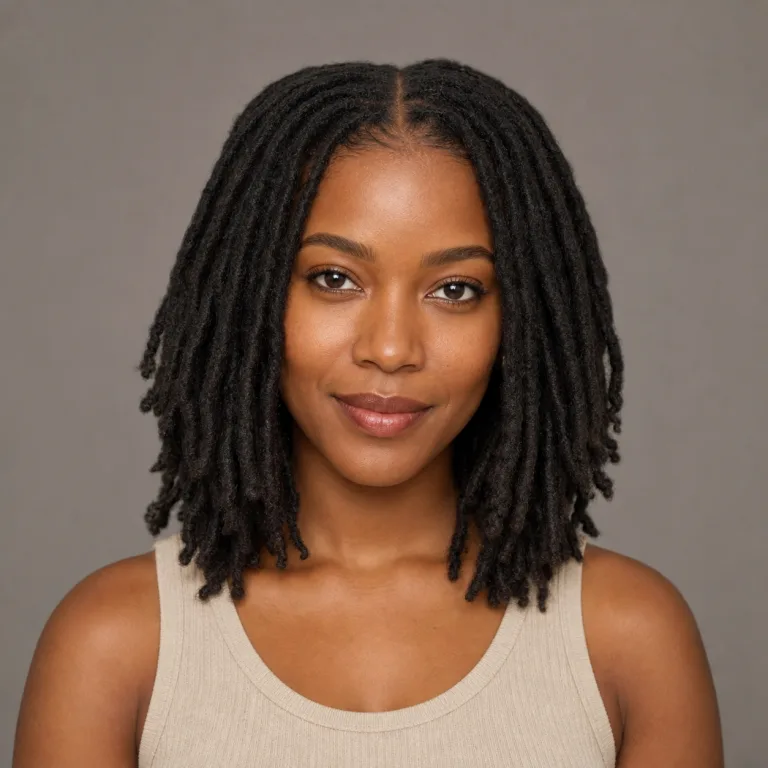
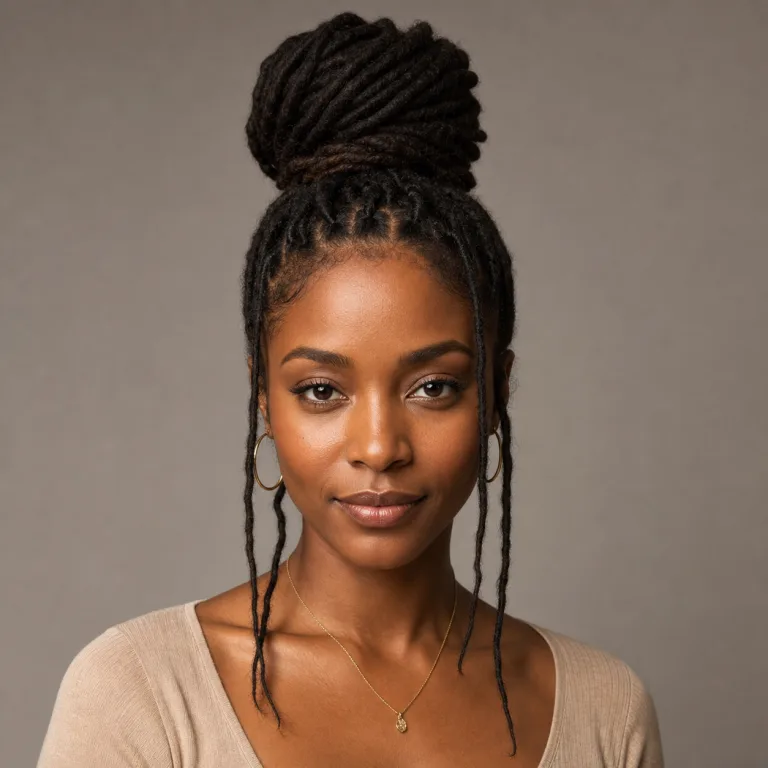
How would I look with dreads?
Upload a clear portrait and choose a locs direction to see how dreadlocks could change your face framing, hairline, length, volume, and color. Compare a few results, then download the one that best matches the look you want to discuss with a loctician.
Can an AI dreadlocks filter work for men and women?
Yes. You can use the female, male, or custom mode to preview short locs, long locs, fuller dreadlocks, freeform texture, or a cleaner everyday shape.
Will the AI dreadlocks filter keep my face the same?
The prompt asks the model to preserve your face, expression, pose, lighting, clothing, and background while changing the hair. Results can still vary because this is generative AI.
Can I try colored dreadlocks with the AI filter?
Yes. Choose no color change for a natural preview, or select black, brown, blonde, copper, burgundy, silver, pink, blue, or another available hair color.
Can I download my AI dreadlocks filter result?
Yes. After a generation succeeds, use the Download button to save the result through the site download endpoint.
Can I preview freeform locs or micro locs?
Yes. Select a close reference or use the custom style field to describe freeform locs, micro locs, sisterlocs, loc thickness, parting, length, and color. Treat the image as a visual direction to discuss with a loctician.
Is an AI dreadlocks filter a replacement for a loctician consultation?
No. It helps you compare visual directions before an appointment. A loctician can advise on your hair texture, installation method, maintenance routine, and the practical path to the look you choose.
Can I preview starter locs and short locs before starting?
Yes. Choose a starter locs, short locs, or custom reference to compare the early shape, thickness, hairline, and face framing before committing to a loc journey.
Can I try dreads online before paying?
You can open the online tool and prepare an upload before generating. Image generation uses site credits, and the exact preview cost is shown before you run the job.